Liber
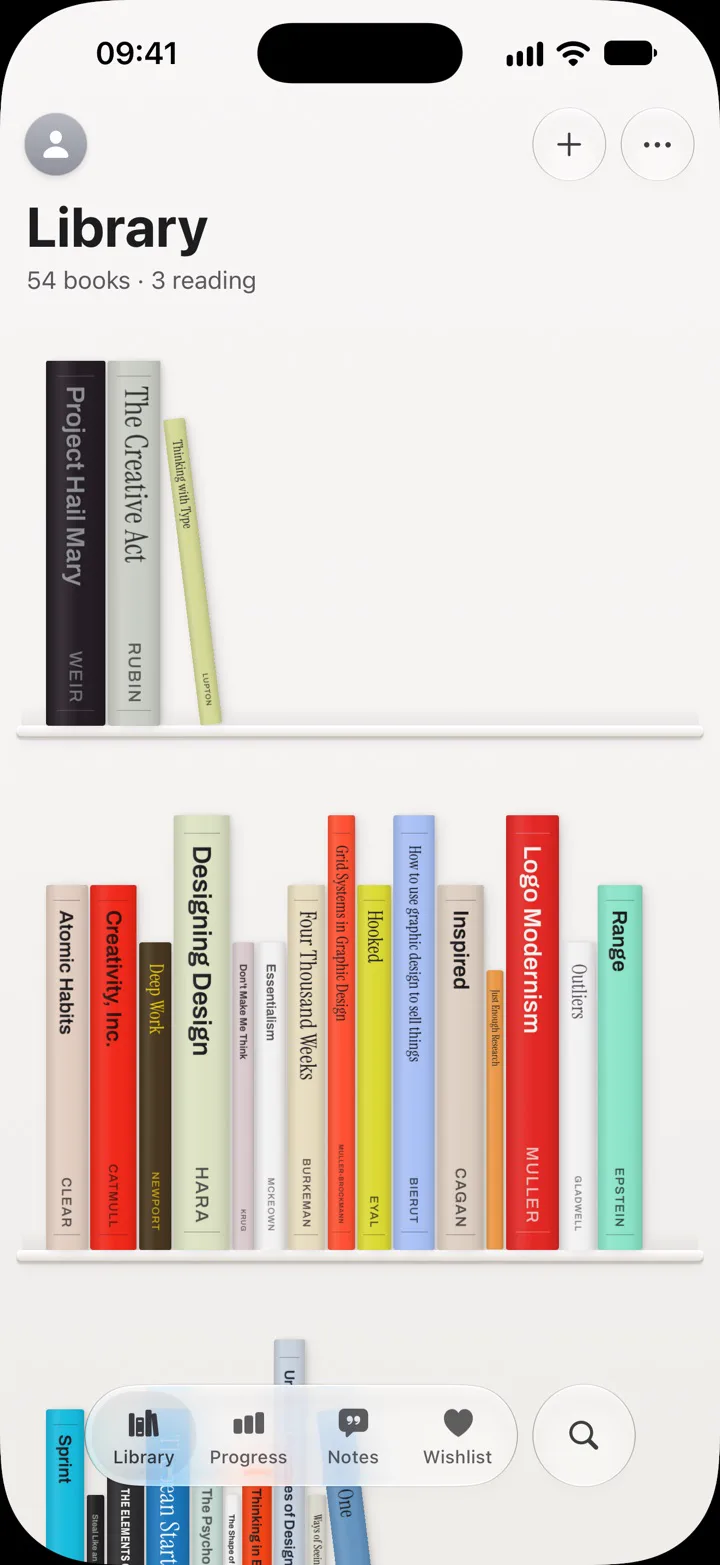
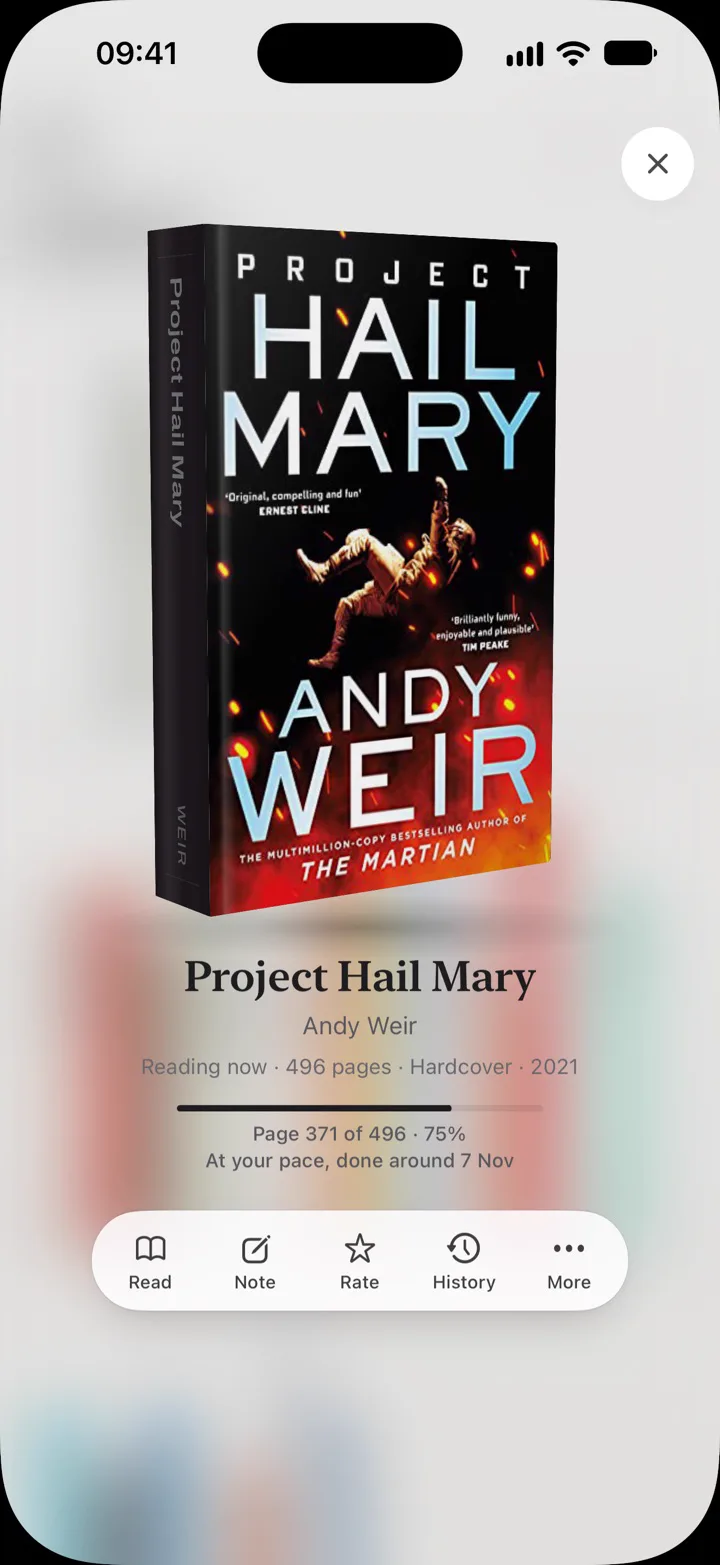
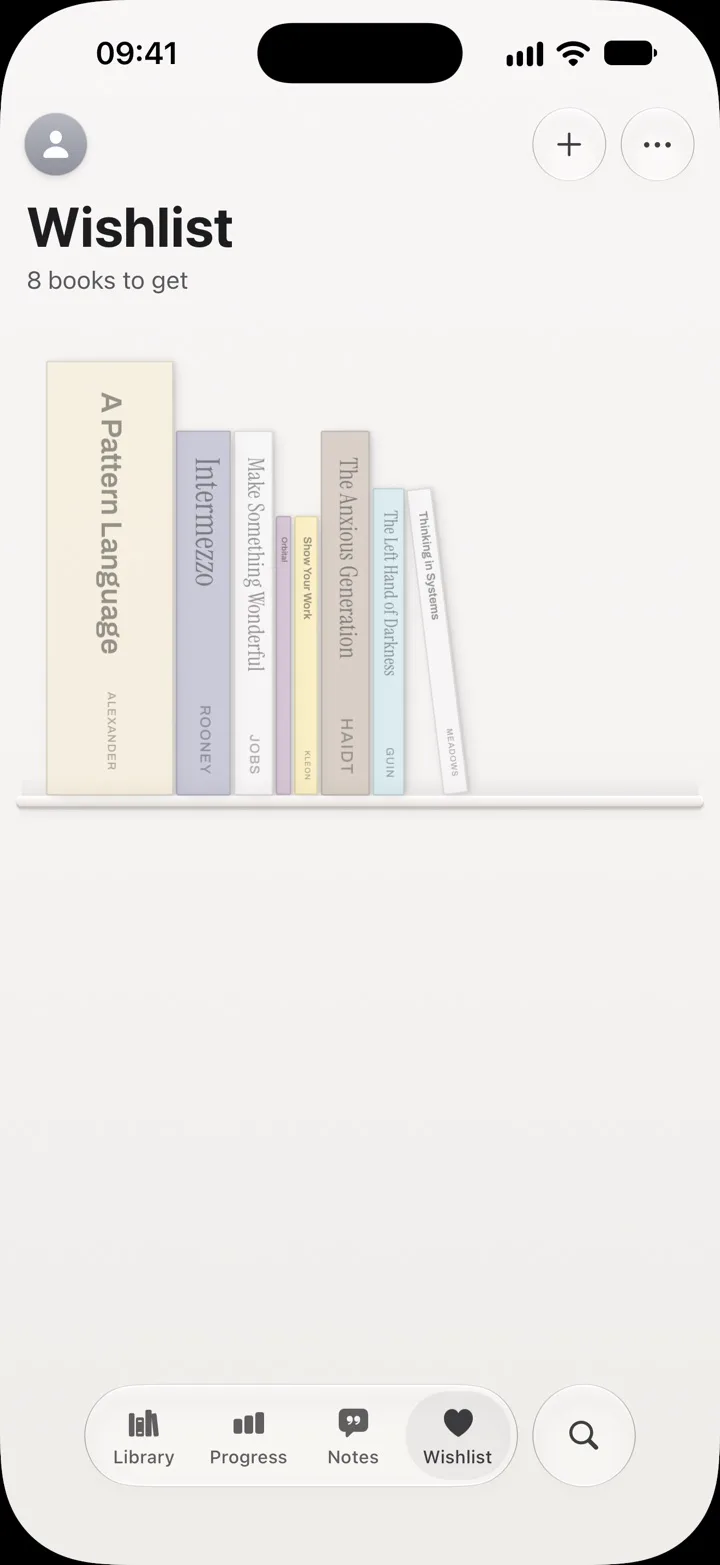
An iPhone app that turns the books you own into shelves. Each book lands as its real spine, in its cover’s colours and at roughly its real size. Tap one and it comes off the shelf into your hand.
- Role
- Design and direction
- Built by
- Claude Code and Codex, directed by me
- Status
- On the App Store since 23 October 2026. Version 1.3.2, 30 October 2026.
- See it
- App Storeliber.page
How it’s made
I design and direct Liber. Claude Code and Codex write the code; I’m not an engineer.
My work is the spec: screens and states, motion, exact copy, edge cases, and the checks a reviewer runs. Adding a book went through four audits and three competing designs before I chose one. I test each build on my own phone and with a small TestFlight group.
Three decisions
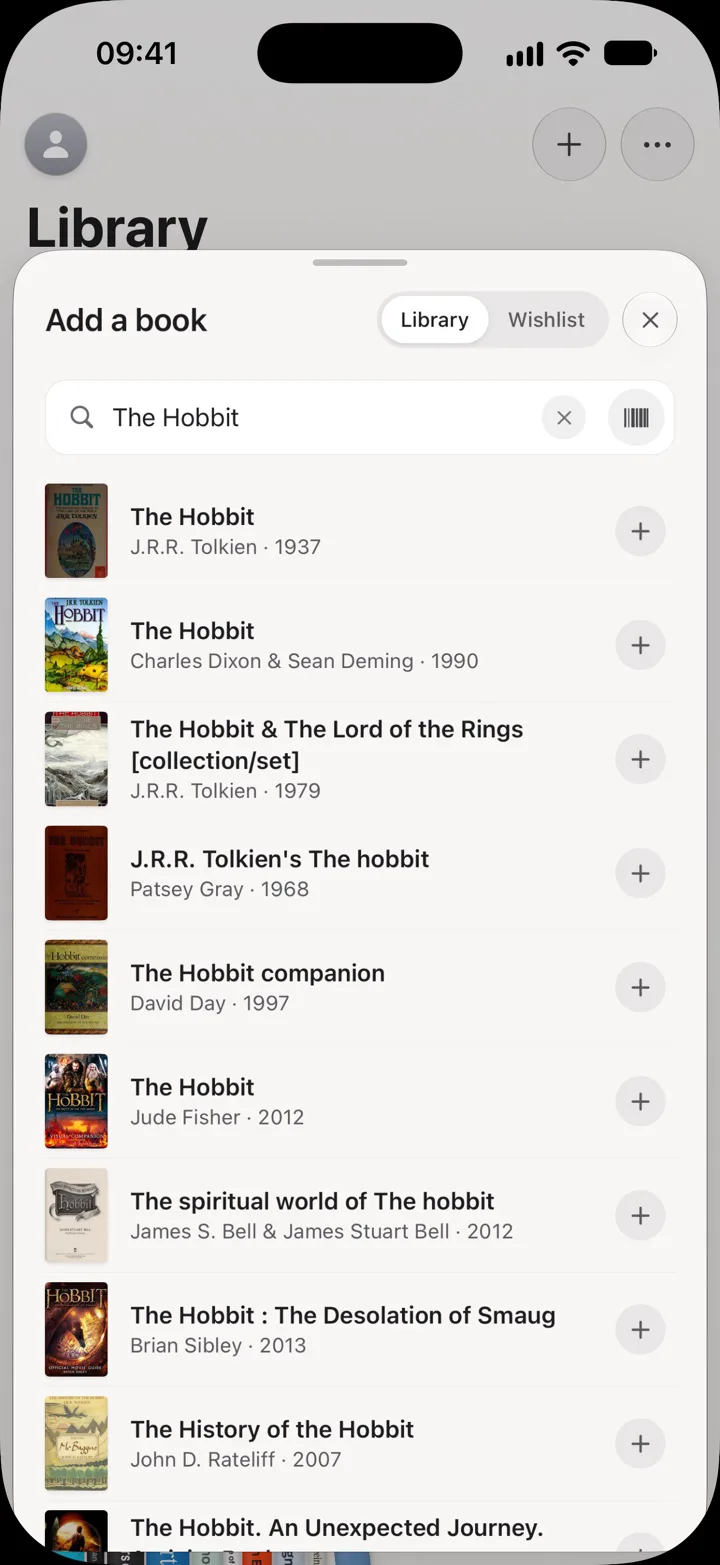
1 The book exists before anything else does
Rejected: a form first. Adding a book you own took 4 to 5 taps, three screens and a forced spine photo.
Now you search, tap the result and it’s on its shelf, in 2 taps, with a toast to change or undo it. Covers fill in afterwards and can never block the book.
2 Shelves first, a list on request
Rejected: a list as the home screen, the shape most reading trackers take.
I wanted my books as shelves I recognise, not as another list. Sorting and filtering are still there when you need to find one fast.
3 Getting your own data out is never paid
Rejected: export and sync as paid features.
Liber Plus pays for room and extras. A full export and end-to-end encrypted sync are free on every plan, and there’s no account unless you want sync.
What went wrong
Sync first used a JavaScript encryption library. That ran into the App Store’s encryption export rules for France, so version 1.0 launched without it. No test would have caught that; it came up in the export questions. Version 1.3.2 moved sync to Apple’s CryptoKit, which cleared the block. When agents pick the dependencies, questions like that are mine to ask.